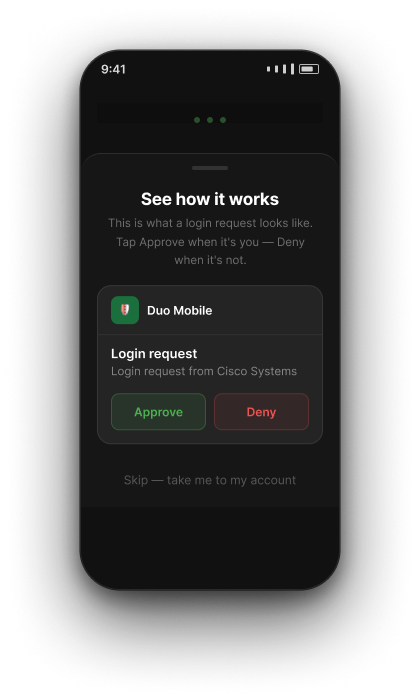
Cisco · Duo Mobile · AI Pod

Onboarding
AI Experiment

Can a small pod move faster — and build better — using AI?

Team
Lei · John · Marshall · Angela
Duration
4 weeks

Goal

Identify specific friction points in the Duo Mobile onboarding experience and use AI tooling to accelerate discovery, design, and delivery — while maintaining quality and auditability.

Product
  • AI-assisted product discovery
  • Faster alpha → beta cycles
  • Synthesize customer feedback with AI
Design
  • Increase design velocity with AI
  • Translate feedback into faster iterations
  • Tighten design → engineering handoff
Engineering
  • Requirements → technical plan via AI
  • AI-assisted code review
  • Maintain test coverage at higher velocity
W1
Setup
Tooling
W2
Research & Design
Discovery
W3
Engineering
Build
W4
Results
Retrospective

Week 1 — Tooling setup

1
Level-setting on AI
Shared how each person was using AI in their work. Walkthroughs, demos, and figuring things out together as a team.
2
Getting access & tools connected
Git, Xcode, repos, MCPs — getting the full team set up and running before any real work could start.
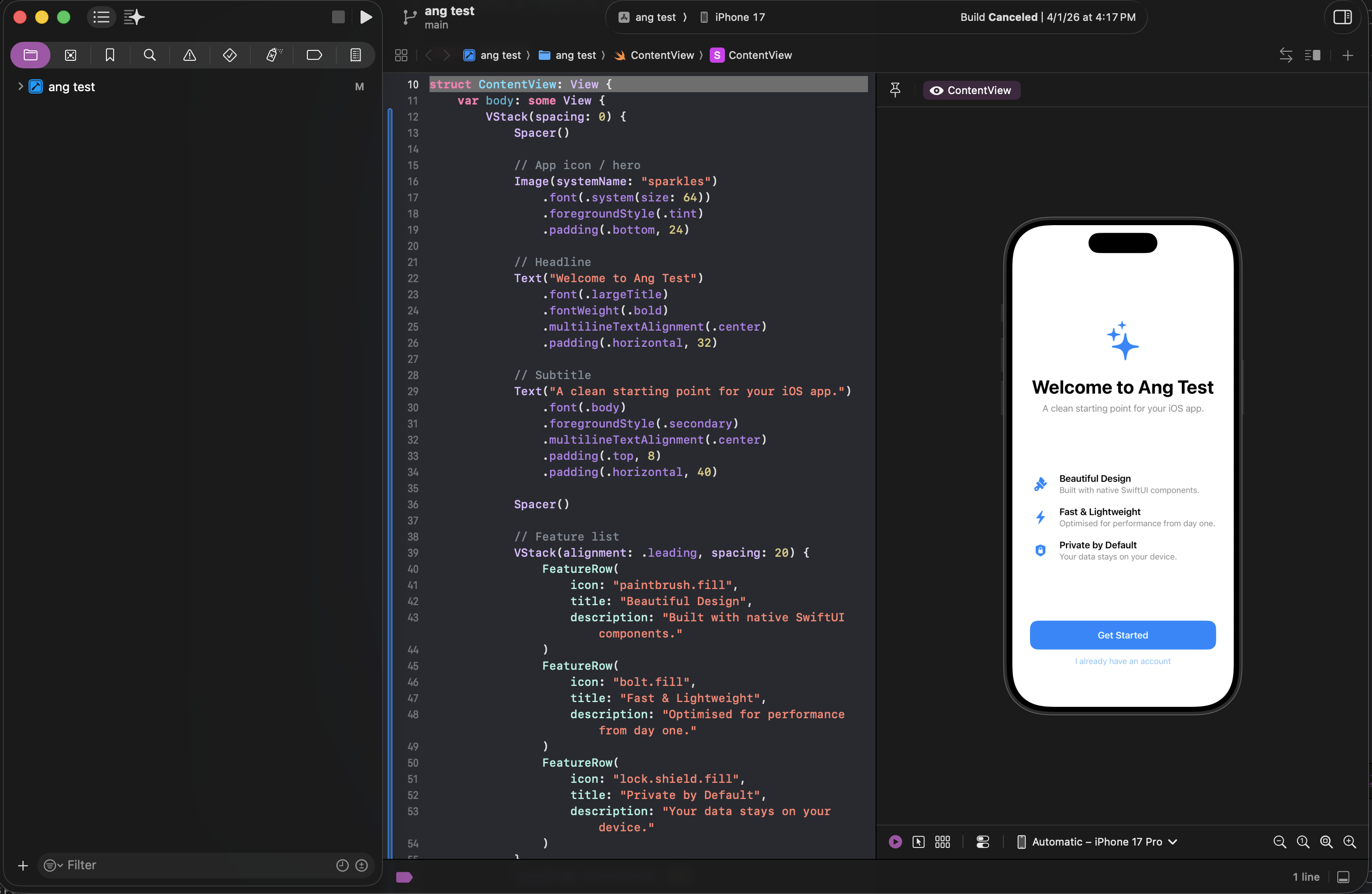
Xcode with app running in simulator
W1
Setup
Tooling
W2
Research & Design
Discovery
W3
Engineering
Build
W4
Results
Retrospective

Week 2 — Research & Design

1
Competitive research via Claude
Used Claude to survey how other apps handle onboarding — surfacing patterns and informing design direction faster than a manual audit.
2
Experimenting in Xcode
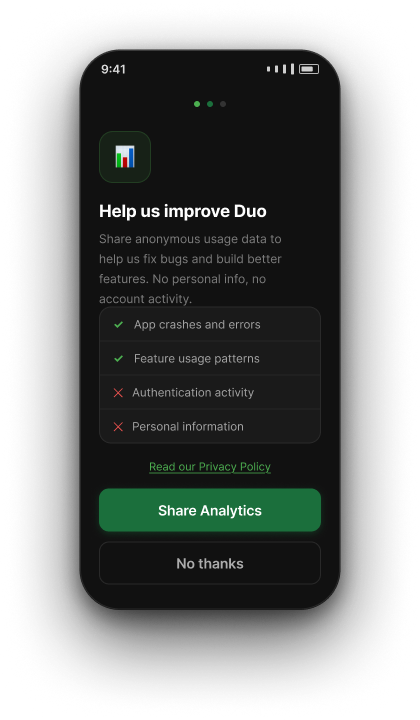
Used Claude Code to generate SwiftUI screens directly in Xcode — seeing designs run as real code in the simulator for the first time.
W1
Setup
Tooling
W2
Research & Design
Discovery
W3
Engineering
Build
W4
Results
Retrospective

Onboarding today

Amplitude data showed users were dropping off well before completing setup.

Current flow
1
Create & Name Account
2
Practice Push
↓ Drop-off
2a
Backup Encouragement
3
Settings Encouragement
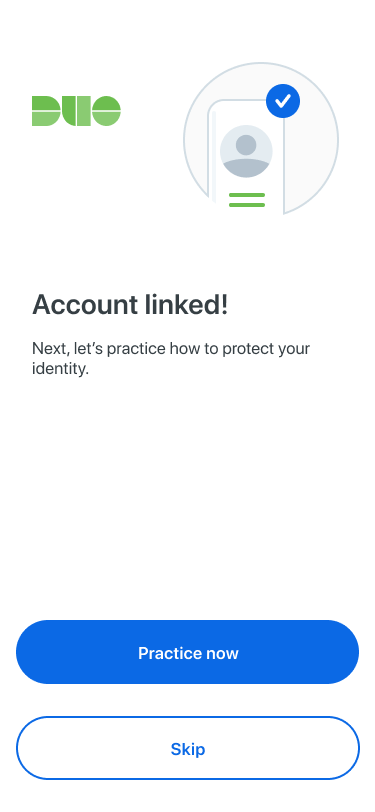
Account Linked screen
Account Linked
Skip
~60%
never attempt
Practice Push
W1
Setup
Tooling
W2
Research & Design
Discovery
W3
Engineering
Build
W4
Results
Retrospective

Onboarding today

Many screens are purely informational — no meaningful action, just taps to proceed.

Taps to complete onboarding today
iOS
~19
taps
Android
~26
taps
Many of those taps are spent on screens that display information and ask for nothing — the user just taps to move on.
Examples — informational screens with no meaningful action
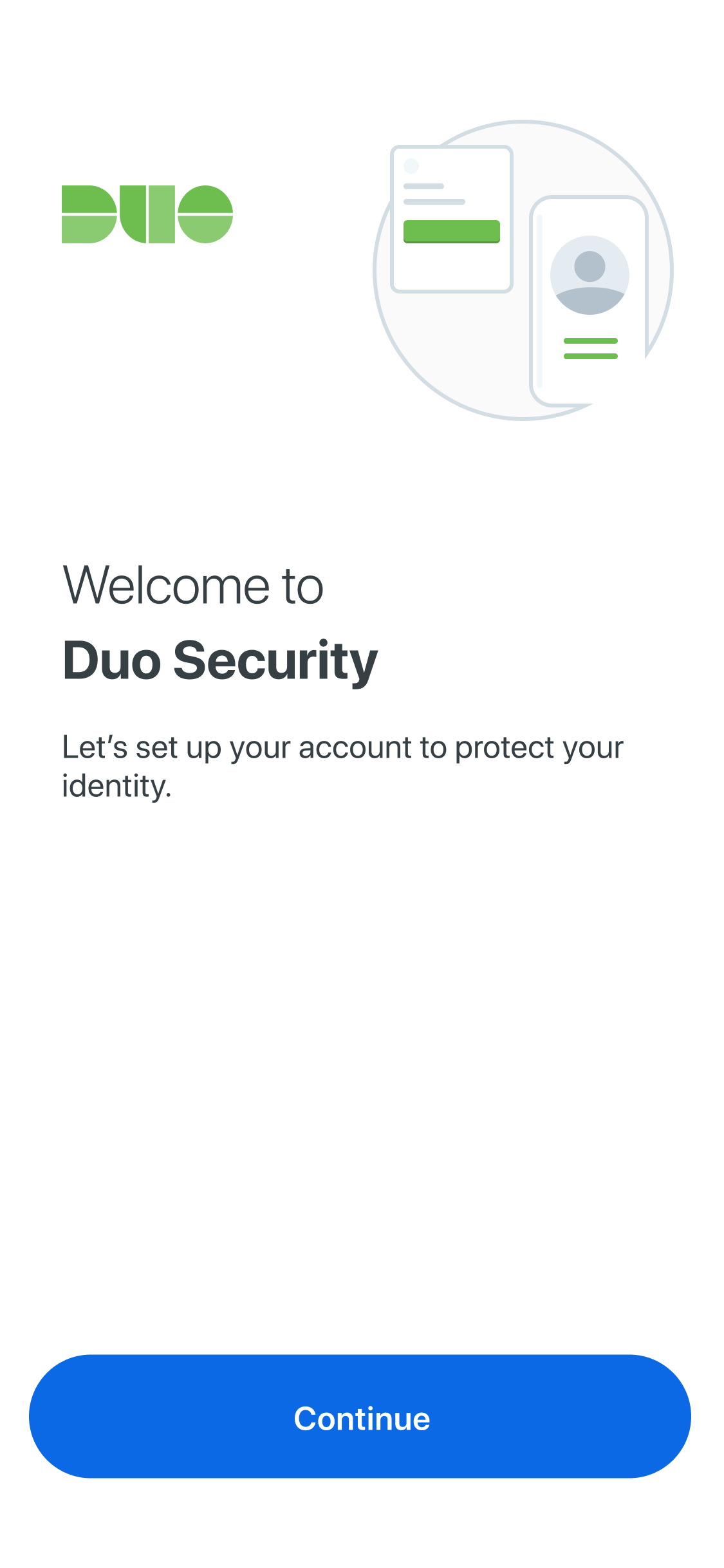
Welcome
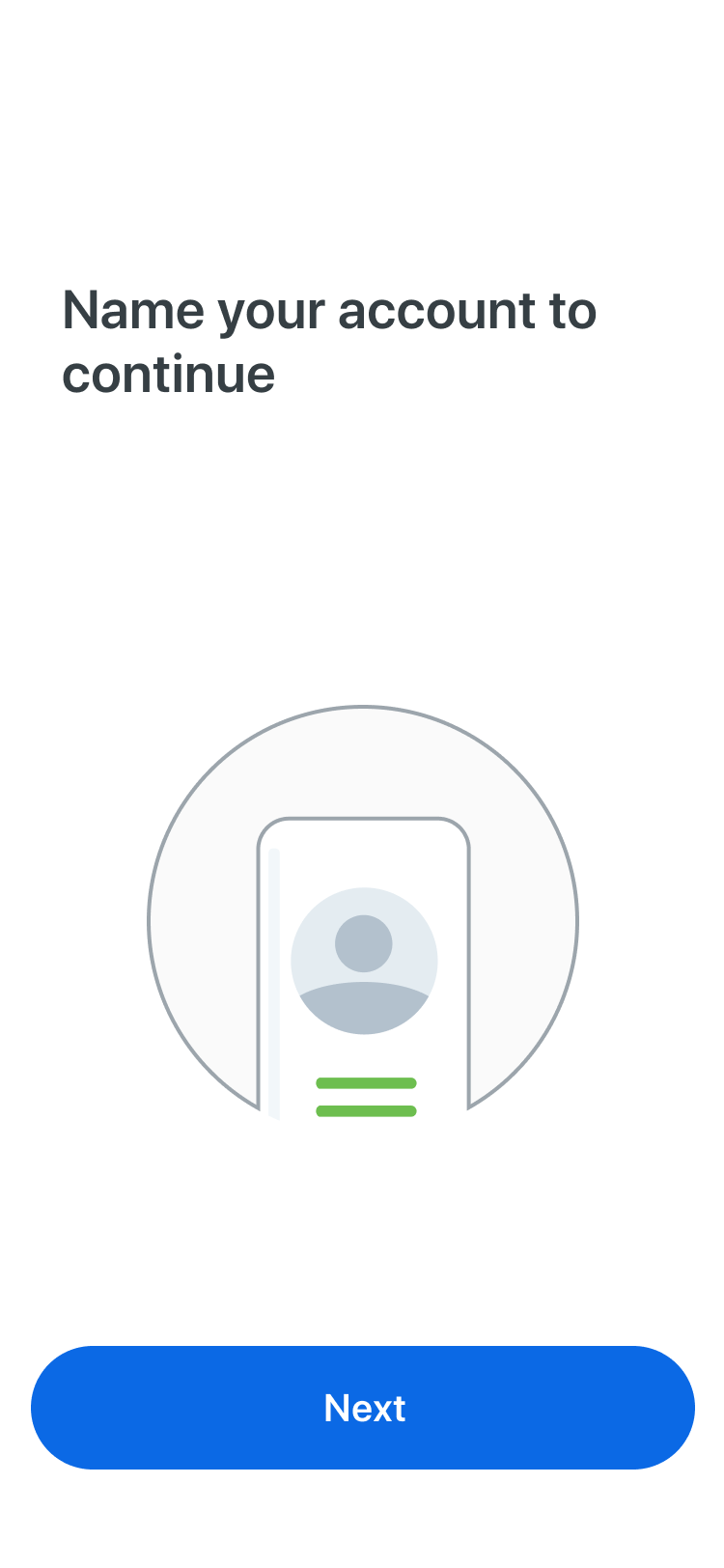
Name Account
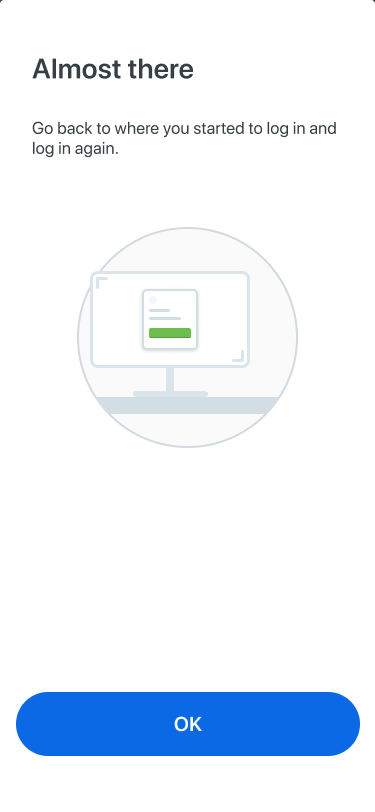
Almost There
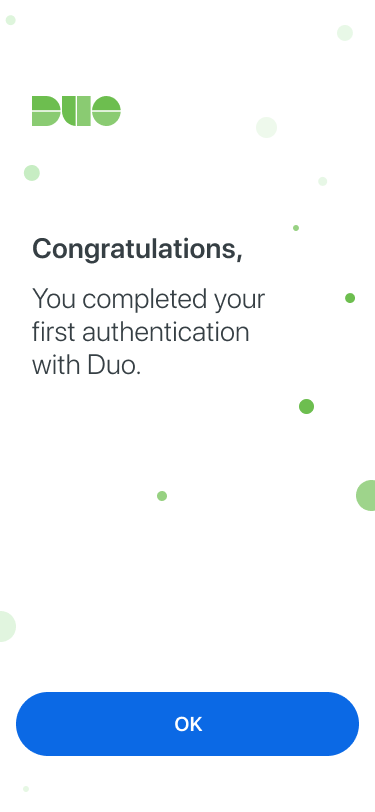
Enrollment Success
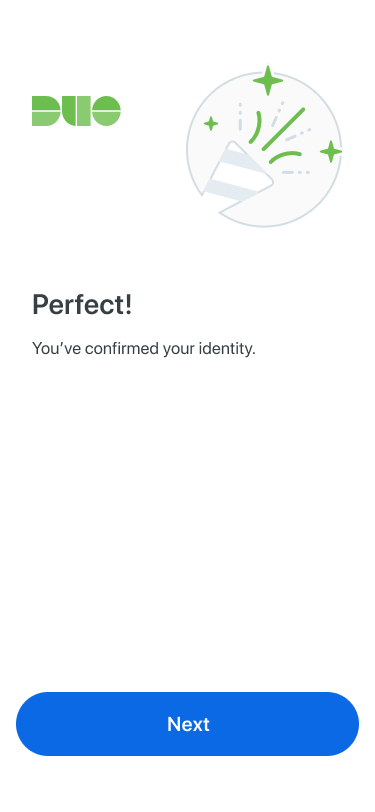
Complete
W1
Setup
Tooling
W2
Research & Design
Discovery
W3
Engineering
Build
W4
Results
Retrospective

What we redesigned

Surface permissions earlier, make Practice Push optional, and cut screens that added steps without adding value.

Current flow
1
Create & Name Account
2
Practice Push
↓ Moved to end
2a
Backup Encouragement
3
Settings Encouragement
↑ Moved forward
Request notification permission before Practice Push
New flow
1
Create & Name Account
2
Settings Encouragement
2a
Backup Encouragement
3
Practice Push
Skippable
7 fewer mandatory steps
W1
Setup
Tooling
W2
Research & Design
Discovery
W3
Engineering
Build
W4
Results
Retrospective

What worked · What didn't

Honest assessment from the team retrospective.

Worked
  • Idea → live demo velocity was genuinely fast
  • Small pod format — fun, embraced uncertainty, no heavy process
  • Amplitude + Claude for surfacing what to fix and why
  • ~80% of Claude-generated Jira tasks were directly usable
  • Everyone could access data and designs, not just their lane
  • Connecting Claude to the codebase enabled real flow understanding
Didn't work
  • Polish gap — AI generates, it doesn't edit for simplicity
  • Designer-generated code wasn't used by devs (too noisy, no codebase context)
  • Handoff and alignment still require human time
  • No single decision-maker slowed forward progress
  • AI code needs a human pass — not production-ready out of the box
  • Sometimes Figma iteration was just faster than prompting
W1
Setup
Tooling
W2
Research & Design
Discovery
W3
Engineering
Build
W4
Results
Retrospective

Do again · Change next time

What made this format worth repeating, and what we'd set up differently from day 1.

Do again
  • Small cross-functional pod (PM + Eng + Design together)
  • AI for discovery and data — Amplitude + Claude is powerful
  • AI for brainstorming and spec writing
  • Fast and loose early, structure later
  • End-to-end demo in the real app
  • Connect Claude to the codebase from day 1
Change
  • Define a single decision-maker on day 1
  • Keep design handoffs code-free — simpler is better for devs
  • Document the process during the experiment, not after
  • Set expectations: AI code = first draft, not final
  • Build in lightweight weekly syncs
W1
Setup
Tooling
W2
Research & Design
Discovery
W3
Engineering
Build
W4
Results
Retrospective

Key takeaways

What the mobile team should know if they want to run something similar.

01
Team multiplier, not individual tool
The biggest gains came when the whole pod prompted together — not in isolation.
02
Anyone can access data & designs
Non-engineers queried Amplitude. Non-designers explored UI. Everyone drafted specs. That's new.
03
Last 20% still needs humans
Polish, decision authority, and code adaptation require judgment. Plan for it.
04
Simpler handoffs beat AI-bundled ones
Devs preferred clean Figma designs over ones with AI-generated code attached.
05
This format is repeatable
4 weeks · focused scope · right tools = idea to merged code. The pod model works.
Status
7 fewer mandatory steps
Code merged. Ready for A/B test, review, or ship.